



 Polski
 English
 Italiano
 Español
 Čeština
 Српски
 Deutsch
 Ελληνικά
 Slovenský




-
zł
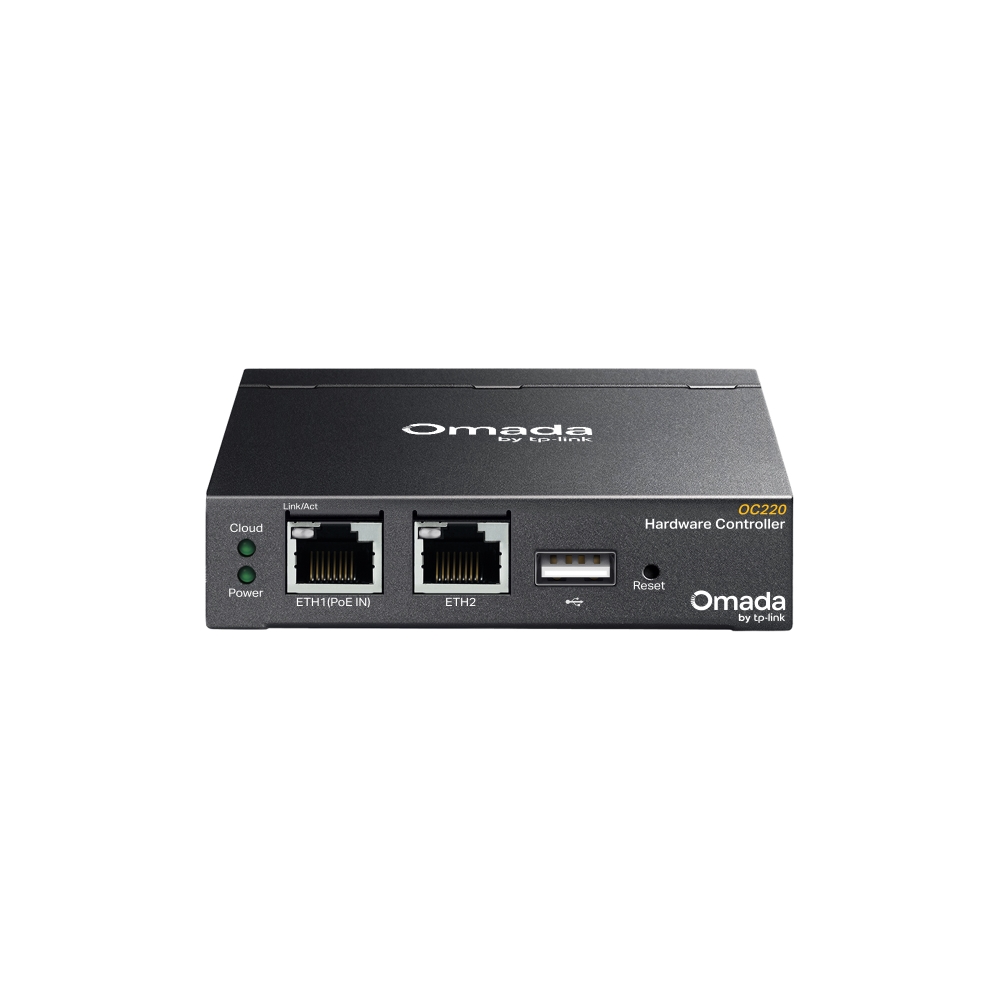
TP-Link OC220 Omada Hardware Controller
Precio
613,16 zł
754,19 zł IVA incluido
favoriteAñadir a la lista de deseos
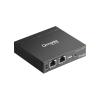
The TP-Link OC220 is a hardware controller designed for the centralized management of network infrastructure within the Omada SDN standard. The device enables the administration of access points, switches, and network gateways from a single interface, eliminating the need to install management software on external computers. Through integration with cloud services, the controller allows for remote access to multiple geographically dispersed networks. This model is characterized by performance capable of supporting up to 150 Omada devices and up to 1000 connected clients. It is equipped with two 10/100 Mbps Ethernet ports and a USB 2.0 port for data archiving and backups. The device can be powered via the 802.3af/at PoE standard or through a USB-C connector. The design ensures continuous monitoring of network parameters, report generation, and support for guest portal authentication. Management is conducted via a web browser or a mobile application.
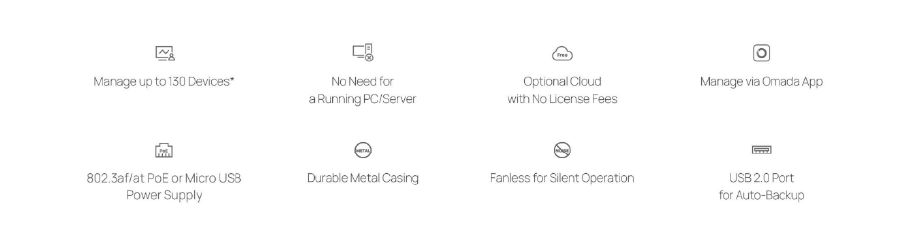
Hybrid Cloud Maximum Convenience
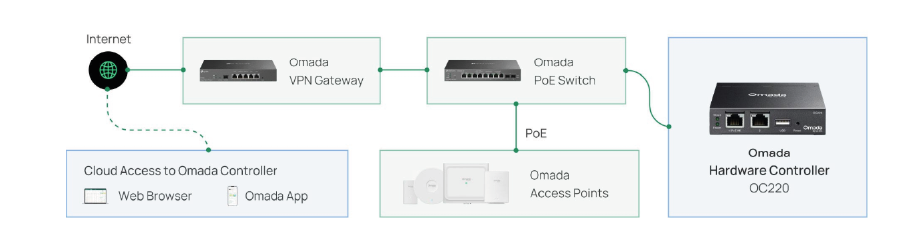
Remotely or locally manage up to 100 Omada access points, 10 routers, 20 switches, and two DeltaStream GPON OLT devices using the Omada app or the WEB interface.
Free Cloud Access
Remotely control your entire network from anywhere in the world.
Local Management
Full privacy
Specification
| TP-Link OC220 | |
| Hardware Features | |
|---|---|
| Ports | 2 Gigabit Ethernet ports 1 USB 2.0 port 1 Micro USB port |
| Power Supply | PoE 802.3af Micro USB (DC 5V / minimum 1A) |
| Dimensions | 100 × 98 × 25 mm |
| Management | |
| Omada App |
Yes |
| Wireless Security |
SSID to VLAN Mapping AP Isolation SSID Isolation Encryption |
| Centralized Management |
Up to 100 Omada access points Notes: Please refer to www.omadanetworks.com/en/business-networking/all-omada/ to find all Omada device models supported by OC220 |
| Cloud Access |
Yes |
| L3 Management | Yes |
| Multi-site Management | Yes |
| Management Interface Features | Automatic device discovery Batch configuration Batch firmware upgrades Intelligent network status monitoring Abnormal event alerts Unified configuration process Reboot schedule Customized captive portal |
| Other | |
| Certifications | CE, FCC, RoHS |
| Package Contents | Omada Hardware Controller OC220 Quick Installation Guide Ethernet Cable |
| System Requirements | Windows 7/8/10/11, Vista™, XP or MAC® OS, NetWare®, UNIX® or Linux |
| Operating Environment | Operating Temperature: -5?~50? (23?~122?); Storage Temperature: -40?~70? (-40?~158?) Operating Humidity: 10%~90% non-condensing; Storage Humidity: 5%~90% non-condensing |
Otros productos de la misma categoría que le pueden interesar: